Don't give your
real data to
every website.
Throwaway is a browser extension that fills forms with generated data, so you can protect your privacy, test auth flows, and iterate on payment forms without ever pausing your workflow.
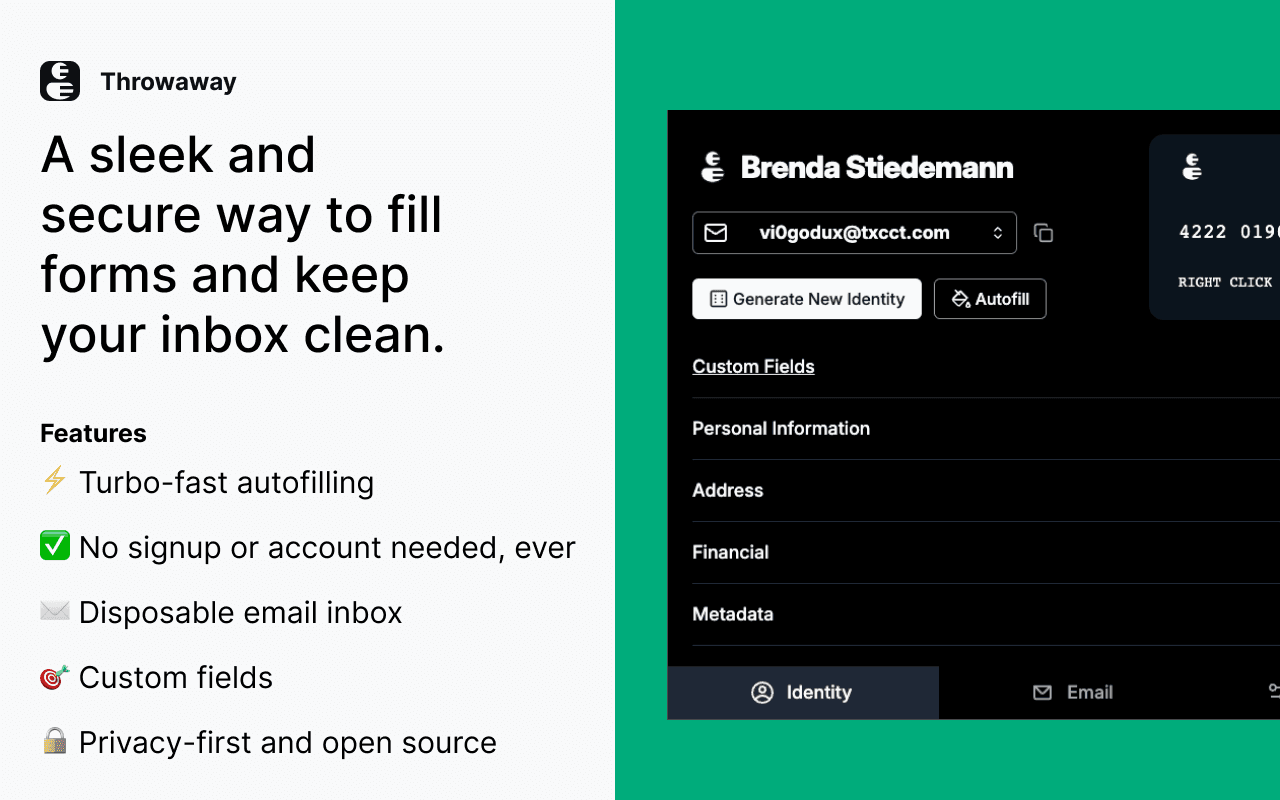
Every form asks for
your real data.
You're testing a signup flow. You need to fill a form. Your instinct is to use your real email, your real name, your real card number. But that's exactly the problem: every website you test still gets a piece of your identity.
And if you're a QA engineer? You're manually filling the same fields over and over, switching between tabs, copy-pasting OTP codes from a separate email client. It breaks flow and it's slow.
A right-click.
That's it.
Throwaway lives in your browser toolbar. It generates realistic identities — names, addresses, emails, credit cards — and fills any form on any page with a single right-click.
No separate tab. No app to switch to. You're still on the page you're testing, and the data appears exactly where it needs to be.
Built for two things:
privacy and speed
Whether you're protecting your data or testing a payment form, Throwaway has you covered.
One-Click Autofill
Right-click any page, select "Fill with Throwaway", and every form field gets populated instantly. Fuzzy matching finds the right fields even with unusual labels.
Stay Private
Never hand your real email, name, or address to a site you've never heard of. Disposable email addresses keep your inbox clean and your identity yours.
QA Testing Speed
Test signup forms, auth flows, and payment validation in seconds. Generate unique identities for each test iteration without manual data entry.
Auto OTP Extraction
The extension reads incoming verification emails and auto-extracts OTP codes. No more switching between tabs to copy-paste codes.
Payment Form Testing
Generate Luhn-valid card numbers or use known test cards from Stripe, PayPal, and Amazon. Test declined, expired, and secure card flows effortlessly.
Extension-Native
No separate tab to manage. No app to switch between. Throwaway lives in your toolbar. Right-click to autofill, close the popup when done.
Three steps.
Zero friction.
Open the Popup
Click the extension icon. A new identity is generated instantly — name, email, address, phone, card number, and financial data. All realistic, none of it yours.
Right-Click Autofill
Navigate to any form. Right-click the page, select "Fill with Throwaway". The extension matches fields using smart fuzzy search and populates them.
Done. Stay Private.
The form is filled with fake data. Your real identity stays yours. For QA, generate a new identity and iterate. For privacy, move on to the next site.
Built into your
browser workflow
No separate app. No tab switching. Just the extension, right in your toolbar.
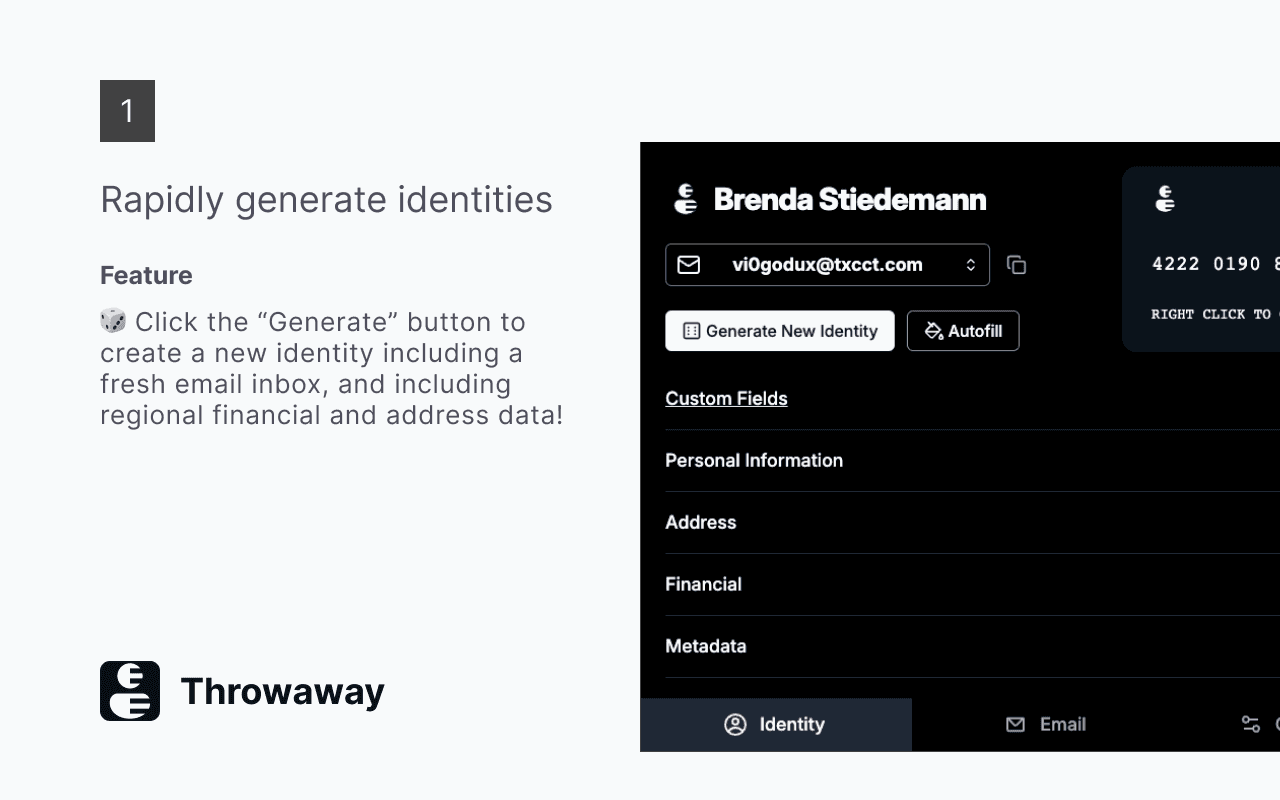
Generate complete identities in one click
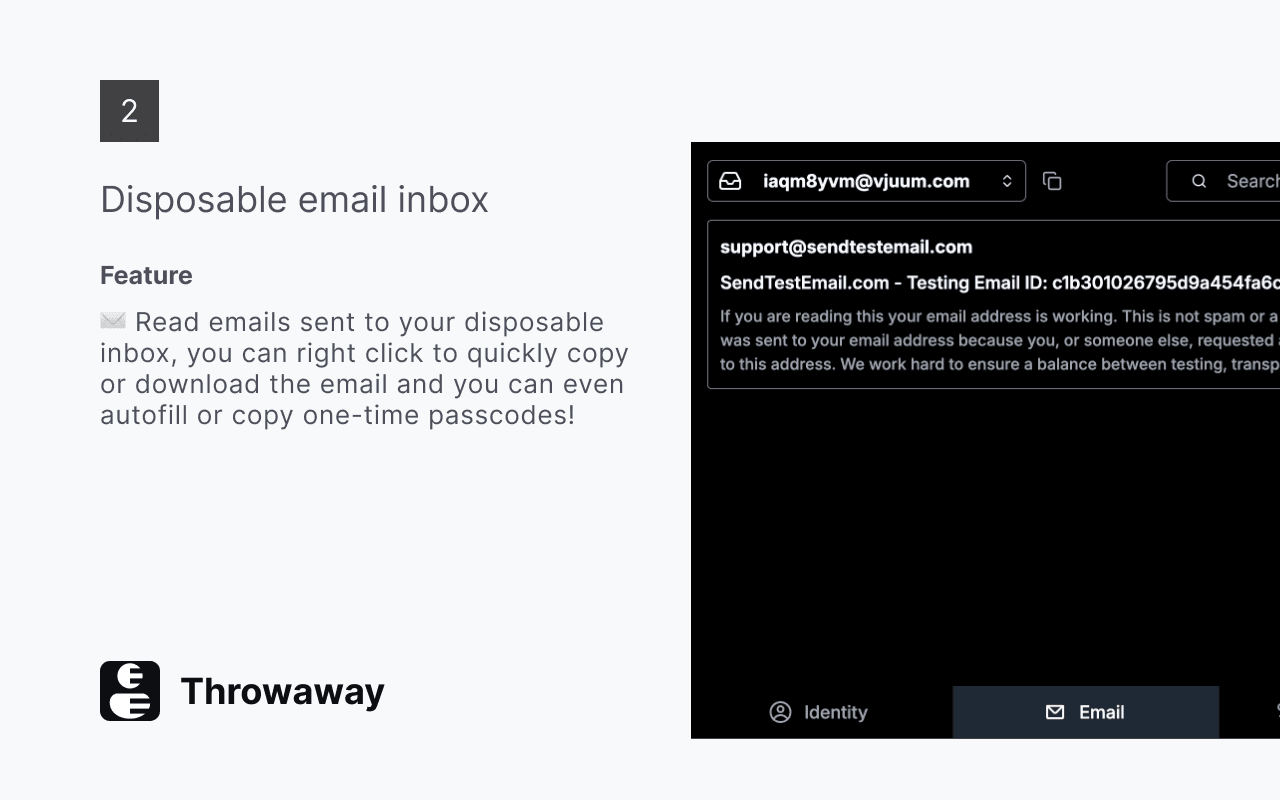
Disposable inbox with OTP extraction
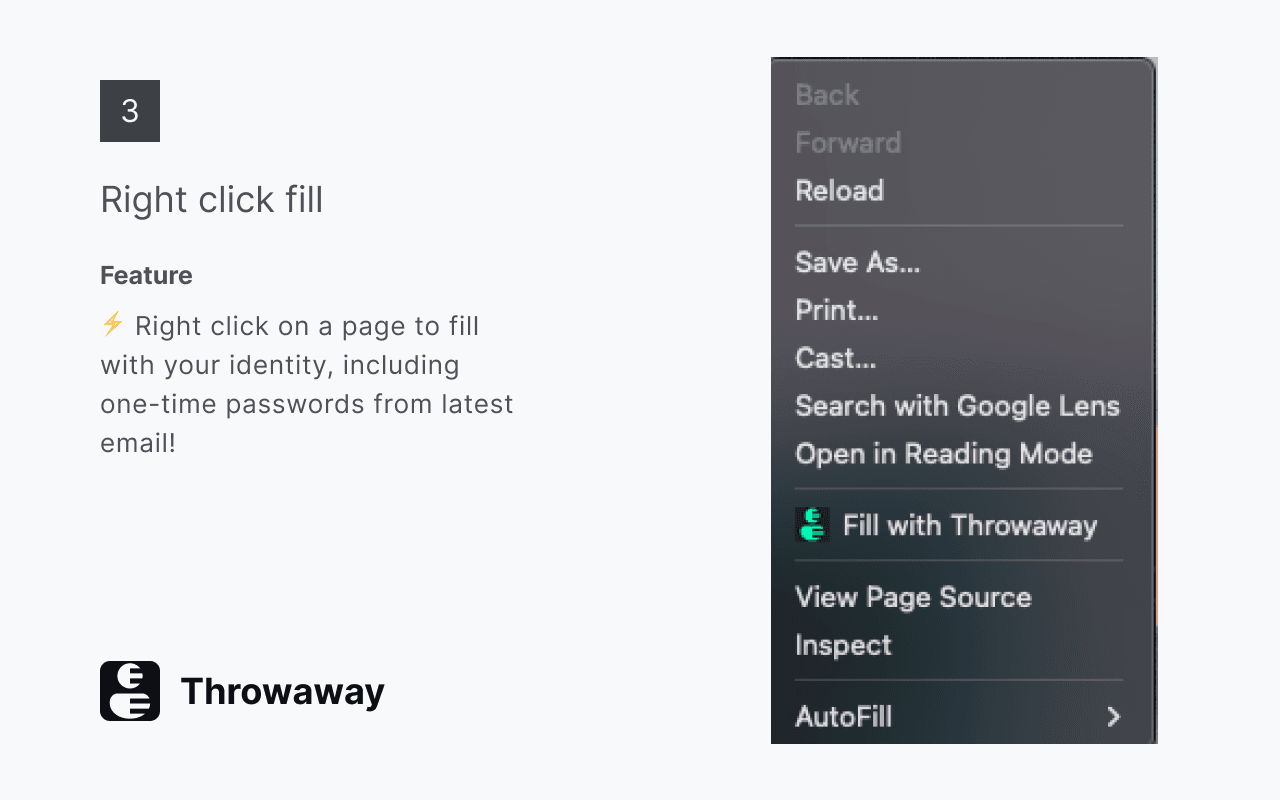
Right-click to autofill any form
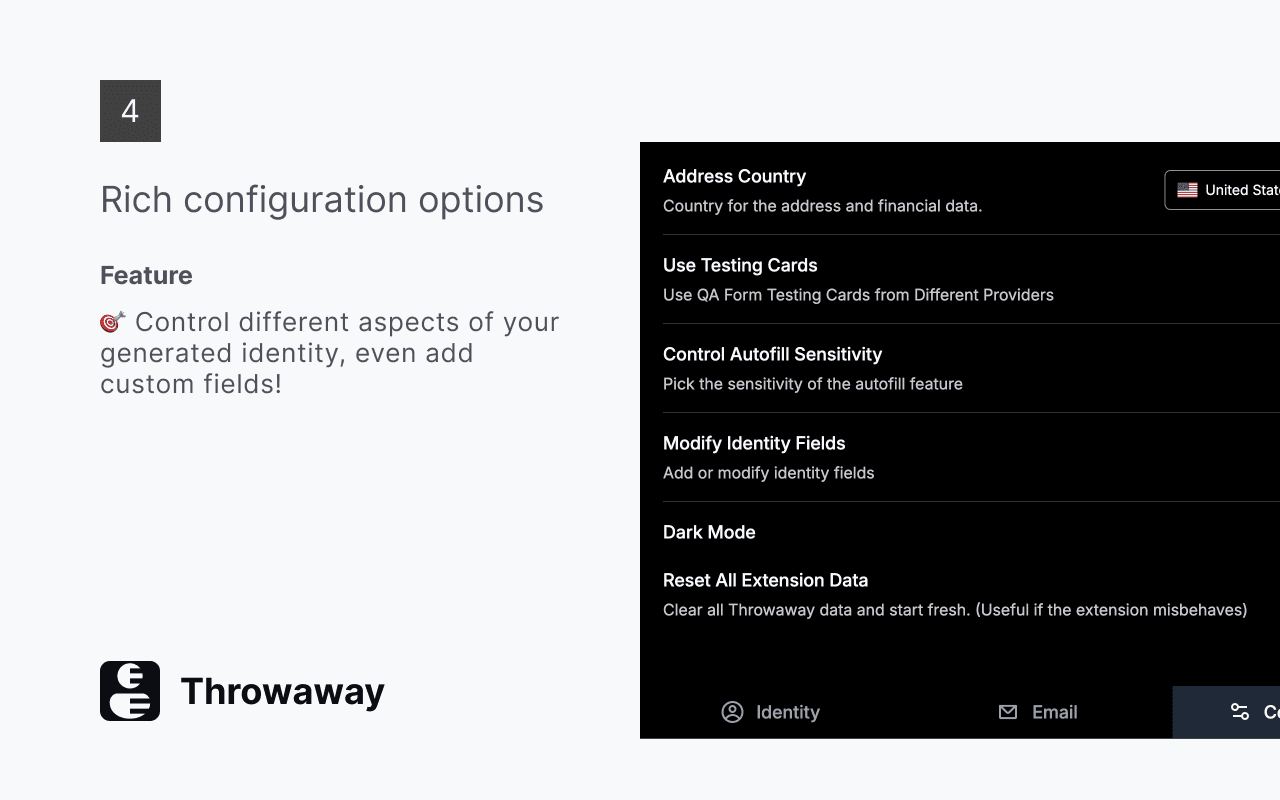
Configure locales, card modes, and autofill sensitivity
Got questions?
Your real data stays
yours.
Add Throwaway to your browser. Right-click to autofill. Stay private, test faster, keep your workflow intact.
Free forever · No account required · Open source